28 مناظر· 08/07/26· کیسے کریں اور انداز
How to Build AI Agents in n8n That Scrape Any Website (No Code)

? Try Oxylabs Web Scraper API for free: https://oxy.yt/rmCy
Want to learn how to build AI agents without coding? In this tutorial, you'll discover how to build AI agents in n8n that can browse websites, extract data, and save results automatically using AI-powered workflows.
Most AI tutorials stop at chatbots. This AI agent tutorial goes further by showing how n8n AI agents can use tools, make decisions, scrape websites, and trigger actions without requiring custom code. You'll build a complete no-code AI agent that combines AI models, memory, web scraping, and Google Sheets into a single automated workflow.
Whether you're exploring AI automation, workflow automation, or building production-ready AI systems, this guide demonstrates a practical approach to build AI agents that can interact with real-world websites and APIs.
AI agents are becoming one of the most important patterns in modern AI automation. By combining n8n AI agents with the Oxylabs Web Scraper API, you can create workflows that gather information, monitor websites, extract content, and store data automatically. This tutorial walks through the complete setup process, including Docker installation, AI Agent configuration, tool integration, memory management, and n8n AI agent web scraping workflows.
If you've been wondering how to build AI agents that can actually take actions instead of simply answering questions, this step-by-step guide will show you exactly how to build AI agents using a visual no-code workflow builder. The same principles can be extended to databases, APIs, monitoring systems, and more advanced AI automation use cases.
? *ADDITIONAL RESOURCES*
✏️ Visit n8n web: https://n8n.io/
✏️ Oxylabs Web Scraper API documentation: https://oxy.yt/gmVI
✏️ Oxylabs and n8n integration: https://oxy.yt/OmB6
? *RELATED VIDEOS*
? n8n Web Scraping: https://oxy.yt/nmNY
? *OUR SCRAPING SOLUTIONS*
Residential Proxies:
? https://oxy.yt/YmMs
Mobile Proxies:
? https://oxy.yt/dm11
ISP Proxies:
? https://oxy.yt/cm06
Dedicated ISP Proxies:
? https://oxy.yt/Km2N
Datacenter Proxies:
? https://oxy.yt/wm9N
Dedicated Datacenter Proxies:
? https://oxy.yt/om3O
⏳ *TIMESTAMPS*
0:00 Intro
0:26 What is an AI agent?
1:22 Quick tour of the n8n interface
1:53 Cloud vs. self-hosted
2:11 Install n8n via Docker
2:33 Nodes, Triggers, and Workflows
2:52 Basic structure of an AI agent
3:03 Build the AI agent – add the AI Agent node
3:18 Connect the model
3:43 Add memory
4:02 Giving the agent tools
4:33 Set up Oxylabs Web Scraper tool
5:11 Wire the tool to the agent
5:51 Test the agent live
7:52 Make the agent autonomous
8:16 Advanced techniques
8:33 Outro
? *CONNECT WITH US*
24/7 Support Team: [email protected]
Website: oxylabs.io
LinkedIn: linkedin.com/company/oxylabs
? *ABOUT THE CHANNEL*
We create in-depth web scraping tutorials and proxy guides to help developers extract data at scale efficiently and ethically.
© 2026 Oxylabs.
All rights reserved.
#AIAgents #n8n #NoCode





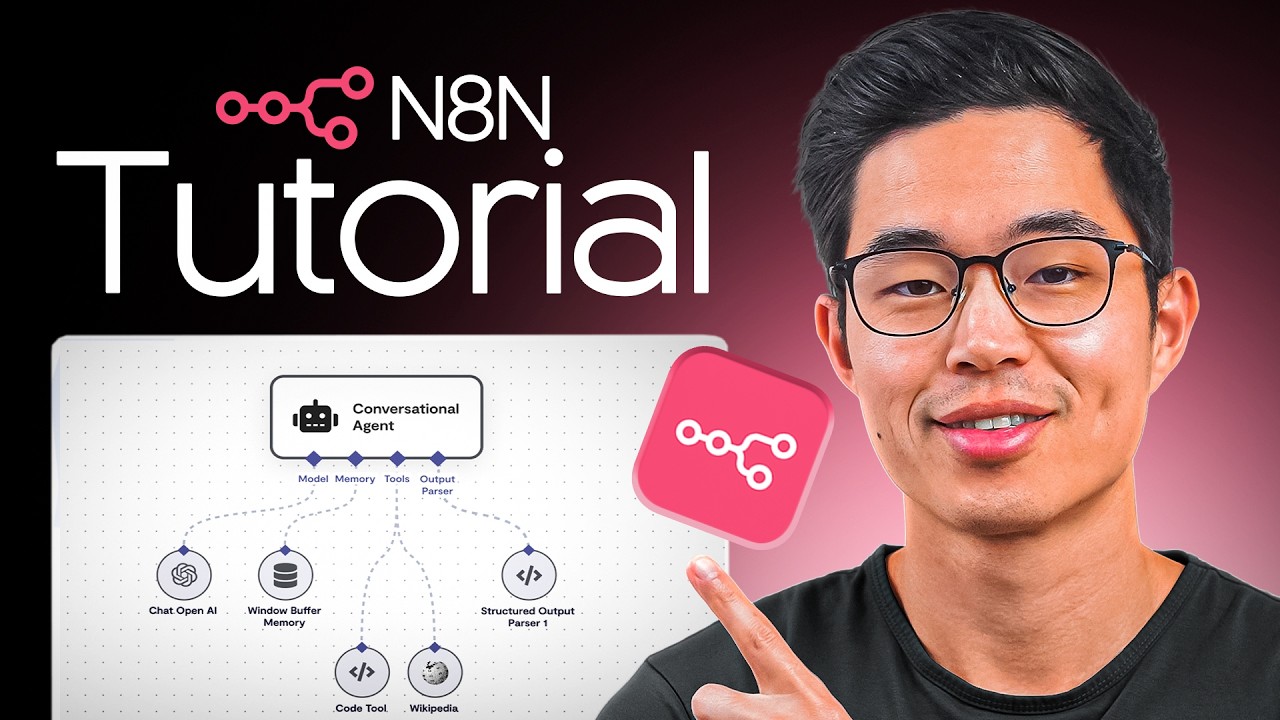

![n8n Quick Start Tutorial: Build Your First AI Agent [2026]](https://i.ytimg.com/vi/GuaKeDS6UKU/maxresdefault.jpg)


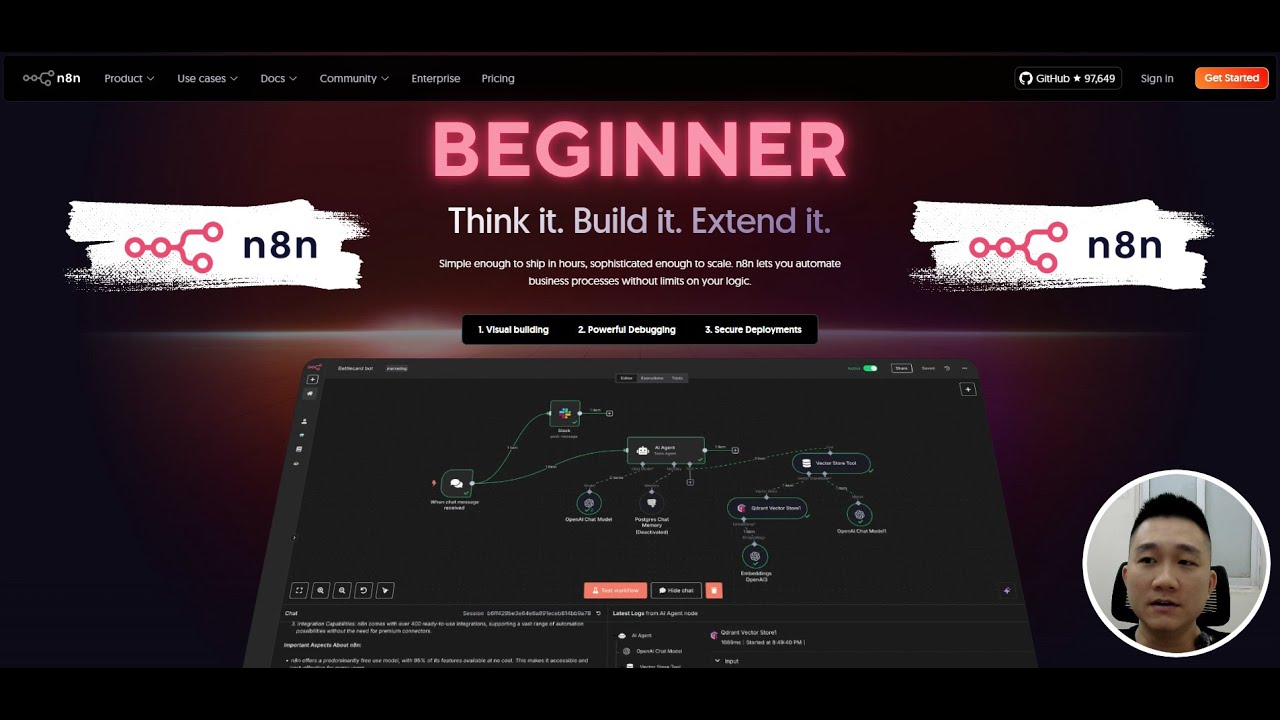
![[Free course] Hướng dẫn N8n từ A - Z cho người mới bắt đầu | Hướng dẫn cho dân No-code, No-Technical](https://i.ytimg.com/vi/DT0rZ3kFDfc/maxresdefault.jpg)




0 تبصرے